
10 Best AI Automation Tools We Use in Our AI Video Production Agency in 2026
I am Priya Nair, Lead AI Video Artist and AI video specialist at Framite AI Studio. Our agency creates AI videos for brands, creators, and product teams. A big part of my job is making sure the work looks premium while the process stays fast. In 2026, that is only possible with automation.
We do not use AI tools to replace creative judgment. We use them to remove slow manual steps. Script drafts, captions, voice versions, social cuts, file naming, project updates, and quality checks can all move faster when the right tools talk to each other. We do a lot of work through AI automation because it helps us deliver more without making the process messy.
This article shares the 10 best AI automation tools we use in our AI video production agency in 2026. These are the tools that help us plan, generate, edit, localize, and deliver video work at an advanced level.
Why automation matters in 2026
AI video production has moved past the novelty stage. Clients expect fast delivery, multiple formats, and consistent quality. One campaign may need a full video, short clips, captions, localized voice, and different thumbnails. Doing all of that manually is slow and expensive.
Automation helps because it turns repeat decisions into systems. A new project always needs a folder, a brief, a task list, and a status update. A final video always needs captions, versions, and export checks. When these steps are automated, the team can spend more time on story, visuals, and client feedback.
At Framite AI Studio, automation also helps us stay accountable. Every prompt, voice file, script version, and approval is tracked. That makes the agency easier to run and easier to trust.
The short answer
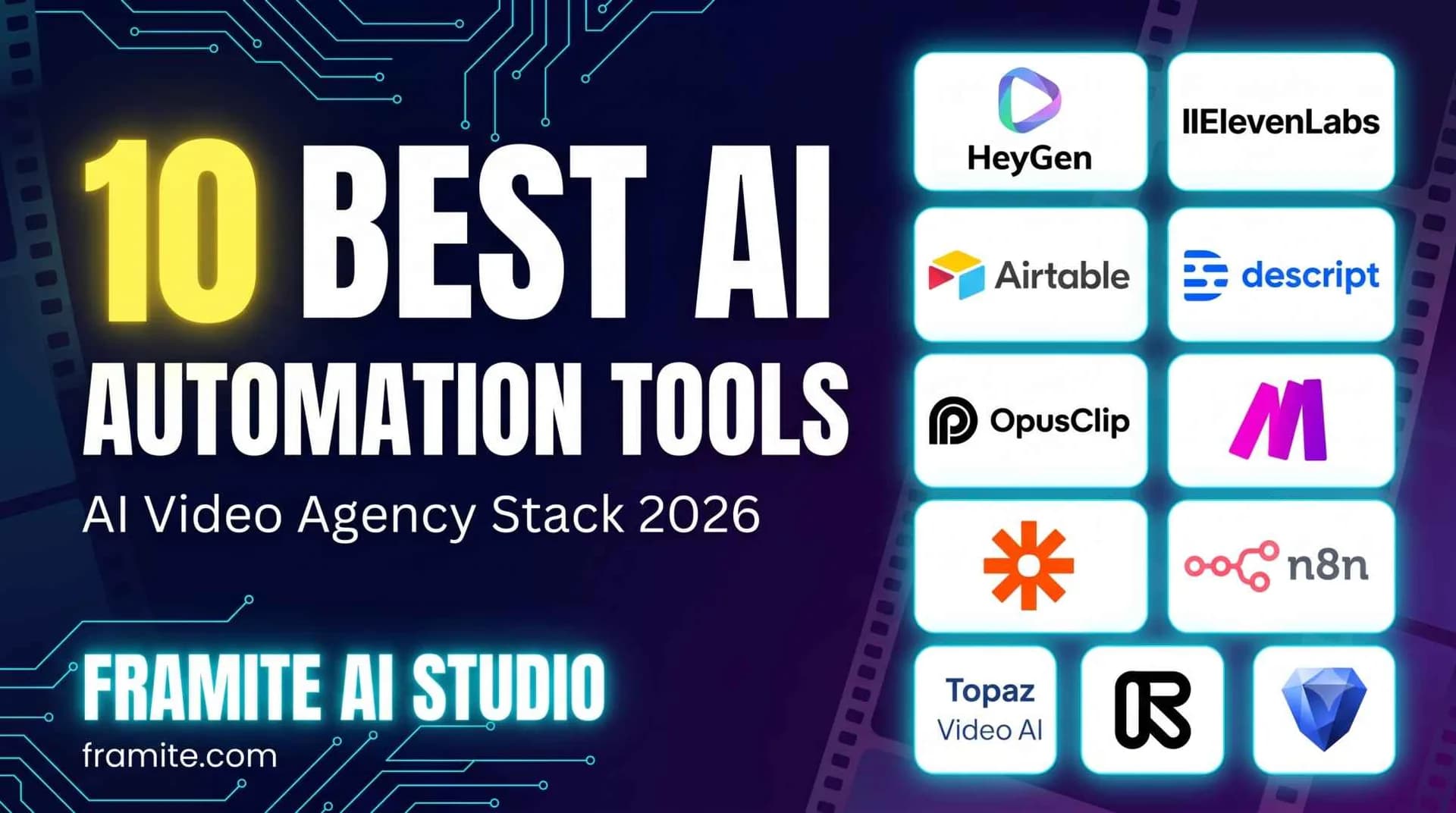
If you only need the names, our core stack includes Make, Zapier, n8n, Runway, ElevenLabs, HeyGen, Descript, OpusClip, Airtable, and Topaz Video AI. Each one solves a different part of the production pipeline.
Now let me explain how we use each tool and why it earned a place in our agency.
1. Make
Make is our main automation control center. It connects our apps and moves work from one stage to the next without anyone copying data by hand.
In an AI video production agency, small tasks can eat the day. A client fills a brief. A project folder needs to be created. A task must go to the editor. A Slack update must go to the team. Make handles these steps.
For example, when a client submits a video request form, Make can create a project record in Airtable, save the brief in Google Drive, send a message to the project channel, and assign a task to the artist. We also use it to trigger AI steps, such as sending a script to a voice tool or logging a prompt into our prompt library.
Why we like Make: it is visual, flexible, and strong enough for agency workflows. It lets us build automations that feel like a production assistant.
2. Zapier
Zapier is the second automation layer in our stack. We use it for quick and reliable connections between tools that need to stay in sync.
Some automations do not need a complex workflow. They just need to work every time. A new Calendly booking creates a client folder. A signed contract updates the CRM. A new email attachment goes to the right Drive folder. Zapier is great for these simple tasks.
We also use Zapier to connect client communication tools. If a client leaves a comment in a review tool, the team gets a Slack alert. If a project status changes, the account manager gets a notification. This keeps everyone updated without extra meetings.
Why we like Zapier: it is easy to set up and works with almost everything. For an agency, that saves time and reduces missed updates.
3. n8n
n8n is our tool for more private and more technical automation. We use it when we want more control over data, APIs, and logic.
AI video production often involves many API calls. We may need to send a script to a language model, generate a voice, create captions, and store the result in our database. n8n lets us build these pipelines with clear steps. It also gives us room to add checks and error handling.
We use n8n for internal tools too. For example, we built a workflow that takes a project brief, creates a shot list, saves prompt variations, and sends the best options to a review board. This helps our team start production faster while keeping a human in charge of final choices.
Why we like n8n: it gives us freedom. It is useful when a project needs custom logic or when we want to keep more of the process inside our own systems.
4. Runway
Runway is one of the most important creative AI tools in our agency. We use it for generative video, visual exploration, and fast concept work.
In our process, Runway helps us turn ideas into moving images. We can test mood, camera motion, color, and scene style before we commit to a full production. We also use it for cleanup and visual fixes, such as removing unwanted objects or adjusting parts of a shot.
Automation matters here too. We keep prompt templates, style notes, and project settings organized so the team can repeat good results. Runway helps us move from script to visual draft much faster than traditional methods.
Why we like Runway: it gives our artists a fast way to explore visual ideas. It is especially useful for AI video concepts, stylized scenes, and rapid client previews.
5. ElevenLabs
ElevenLabs handles most of our voice automation. Voice is one of the most sensitive parts of video production. A flat voice can ruin a strong visual. A good voice can make the message feel clear and human.
We use ElevenLabs to create voiceovers from scripts. We test pace, tone, and emphasis until the read feels right. For clients that need multiple languages, it helps us create localized versions without booking separate sessions for every small change.
We also use it for versioning. A single video may need a short ad version, a long explainer version, and a social version with a different opening line. ElevenLabs lets us generate clean voice options quickly, then our team reviews the best takes.
Why we like ElevenLabs: it gives us speed and consistency in voice production. It also helps us test different narration styles before final delivery.
6. HeyGen
HeyGen is our main tool for avatar videos and spokesperson content. Some projects need a person on screen, but not every project needs a live shoot. HeyGen helps us fill that gap.
We use it for training videos, product updates, internal communications, and simple explainers. The agency keeps brand colors, fonts, and script templates ready, so the team can produce avatar videos with a consistent look.
Automation is useful when one script needs many versions. For example, a client may need the same message in different regions or for different audiences. HeyGen lets us create variations without starting from zero each time.
We still review every avatar video carefully. Small details in facial motion and timing can affect trust, so human review is a must. But for scale, HeyGen is a strong tool.
Why we like HeyGen: it helps us create presenter videos fast, especially when updates and versions are frequent.
7. Descript
Descript is where a lot of our editing automation happens. It treats video editing like working with text, and that changes the speed of the whole process.
We use Descript to transcribe footage, remove filler words, cut silences, and build rough edits. If a client podcast or webinar comes in, we can turn it into a clean video much faster. We also use it for captions and simple corrections. If someone says a word wrong, we can fix the audio in a controlled way and then review it.
For our agency, Descript is also a collaboration tool. Editors can leave comments, mark sections, and move from transcript to timeline without jumping between too many apps. This keeps the review process simple.
Why we like Descript: it makes editing less tedious. It helps us focus on story and rhythm instead of manual cuts.
8. OpusClip
OpusClip is our repurposing tool. It helps us turn long videos into short clips for social platforms.
Many clients want one video to become many assets. A webinar can become five clips. A product demo can become short hooks for ads. A podcast can become quote clips. OpusClip helps us find strong moments, add captions, and prepare clips for review.
We do not publish everything it suggests. Our team still checks the hook, timing, caption accuracy, and brand fit. But the tool gives us a strong starting point. That is important because finding the best moments manually can take hours.
Why we like OpusClip: it helps our agency deliver more value from the same source video. It is useful for social teams that need volume without losing quality.
9. Airtable
Airtable is our production database. It may not look like a creative tool, but it is one of the most important automation tools we use.
Every project needs structure. We track clients, briefs, scripts, prompts, voice takes, video versions, approvals, and delivery dates. Airtable keeps all of that in one place. We also use its automation features to move projects forward. When a status changes from script to production, the right people get notified. When a video is approved, delivery tasks are created.
We also connect Airtable to Make and n8n. This lets us build dashboards and reports for clients. Instead of asking for updates, a client can see the current stage, next step, and due date.
Why we like Airtable: it gives our agency order. Without it, even great AI tools would feel scattered.
10. Topaz Video AI
Topaz Video AI is our enhancement tool. We use it when footage needs to look better before it goes into the final edit.
AI video production often mixes generated shots, client footage, screen recordings, and archive material. The quality may not match. Topaz Video AI helps us reduce noise, sharpen details, upscale clips, and improve motion where needed. This creates a more consistent final product.
We also use it for batch work. If a client sends many short clips, we can process them with settings that fit the project. The team still checks the output, because too much enhancement can make footage look unnatural. But when used well, it raises the final quality.
Why we like Topaz Video AI: it helps us polish video assets and deliver a cleaner result.
How these tools work together
The real value is not one tool. It is the system.
Here is a simple version of our pipeline. A client brief comes in through a form. Make records it in Airtable and alerts the team. A script draft is prepared and reviewed. Runway or HeyGen creates the visual direction. ElevenLabs creates the voice. Descript helps with editing and captions. OpusClip turns the final video into short clips. Topaz Video AI enhances shots that need it. Zapier and n8n keep the communication, files, and status updates moving.
This setup lets our agency act fast without losing control. Automation handles the repeat work. Humans handle taste, story, brand safety, and final approval.
That balance is the key to high level AI video production in 2026.
How we evaluate tools before adding them to our stack
Before a tool enters our agency, we test it on real projects. We ask five questions.
First, does it save time without lowering quality? If the output needs too much correction, it is not useful.
Second, can the team use it without long training? Agency work moves fast, so simple tools often win.
Third, does it connect with our existing systems? A tool that sits alone creates more work.
Fourth, does it give us control over quality, privacy, and client approval? We need to protect brand assets and data.
Fifth, does it scale? A good tool should work for one project and for ten projects.
This is how we choose the 10 best AI automation tools we use in our AI video production agency in 2026. We do not chase every new app. We keep what helps us deliver better work.
How to choose the right tools for your agency
If you are building your own AI video production agency, do not buy every tool at once. Start with the problem.
If your team wastes time on admin, start with Make or Zapier. If your projects lack structure, set up Airtable first. If your client needs fast social clips, add OpusClip. If your videos need better voice quality, test ElevenLabs. If your visuals need more creative range, test Runway.
The best stack is the one your team will actually use. A tool is only useful when it fits your process and makes delivery easier.
Common mistakes to avoid
One mistake is using automation to publish weak work faster. Automation can scale quality, but it can also scale errors. Always keep a review step.
Another mistake is ignoring client permissions. If you use voice cloning or brand assets, get clear approval. Keep records. Protect client data.
A third mistake is treating AI tools as magic. They are powerful, but they still need direction. Good prompts, good briefs, good editing, and good taste still matter.
Frequently asked questions
What are AI automation tools in video production?
AI automation tools are software tools that use AI and workflows to reduce manual work. They can help with scripting, voice, editing, captions, repurposing, project tracking, and delivery.
Do these tools replace video editors and artists?
No. They remove repetitive work. Creative judgment, pacing, story, brand fit, and quality control still need people. In our agency, automation gives artists more time to focus on the work that matters.
What is the best AI automation tool for an AI video production agency?
There is no single best tool. If I had to pick one starting point, I would choose Make or Airtable because they bring order to the process. After that, add tools for voice, visuals, editing, and clips.
Are these tools useful for small teams?
Yes. Small teams benefit the most because automation saves time. The key is to start simple and add tools only when they solve a clear problem.
Final thoughts
The 10 best AI automation tools we use in our AI video production agency in 2026 are not just about speed. They help us stay consistent, organized, and creative. At Framite AI Studio, my team uses automation to support the human side of video production, not replace it.
If you run an agency or plan to start one, build your stack with care. Choose tools that fit your workflow. Keep human review in every important step. Use AI to save time, then use that saved time to make better videos.
Comments
- Be the first to comment.